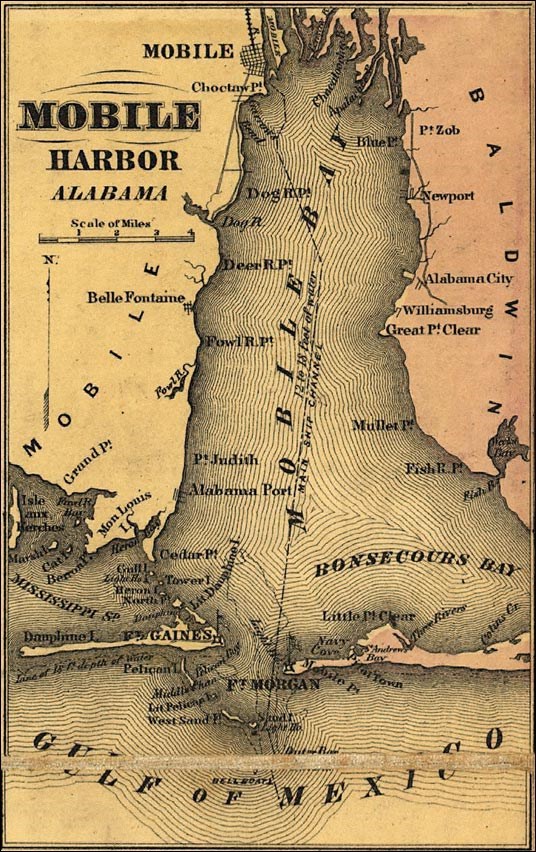
My video was created using pictures and video footage I took during a fieldtrip I went on with my son’s school. I had never been to the GulfQuest Maritime Museum and I was excited about going. I wasn’t disappointed. The Museum has great interactive exhibits for the kids as well as informative presentations by the staff. The link to my video is: https://youtu.be/gJVjzNGSStc
To create my video, I used iMovie because it is already installed on my Mac computer. Before starting, I sat down to watch some YouTube videos to learn how to use it. It seemed pretty straightforward at the outset, and looking back, I think it is pretty user friendly. But while I was learning to use it, I had a few challenges along the way.
The first challenge was uploading the videos and pictures from my iphone onto the iMovie software. It took a number of tries and some hair pulling, but I eventually figured it out. I wanted to take out any identifying pictures of the students, so I had to learn how to split the clips. Listening to the different sound bites and choosing different ones to use was fun.
I think using videos for teaching can be a great way for teachers to provide instruction and can be a great learning experience for students. This is especially true when trying to reach a wide range of people, as with online learning. There is a lot of video software available and picking one and getting comfortable with it is the way to go. As I continue to get more experience with different sources of technology, each one is becoming a little easier to learn.
 Mary’s Blog
Hi, Mary! I loved your video. GulfQuest is such a cool museum, and this looks like a great field trip. I had some of the same struggles as you when creating my video. I found that uploading images is so much easier when working strictly on your phone. I started creating my video on my computer, and I eventually moved over to my phone. I think iMovie is more user friendly all around on a phone verses a computer. I enjoyed your blog post!
LikeLike
Hi Mary! I really enjoyed watching your video – it made me want to visit the museum. I think this could easily be used as a way to show a principal and parents why the students should attend the museum as a field trip. I used iMovie to edit my video as well, and it can definitely be hard to figure out how to input images and sound. For me, I had a hard time making the background music quiet so the viewer could hear what I was saying clearly.
LikeLike
Hey Mary!
I really enjoyed watching your video. I love GulfQuest! It has so many fun and entertaining things to do. I have taken several classes to the museum and all trips have been wonderful! I also use iMovie to create my video. It amazing because it’s so easy to use and creates such a nice product. Great post!
LikeLike